
Liferaft Alerts for Slack
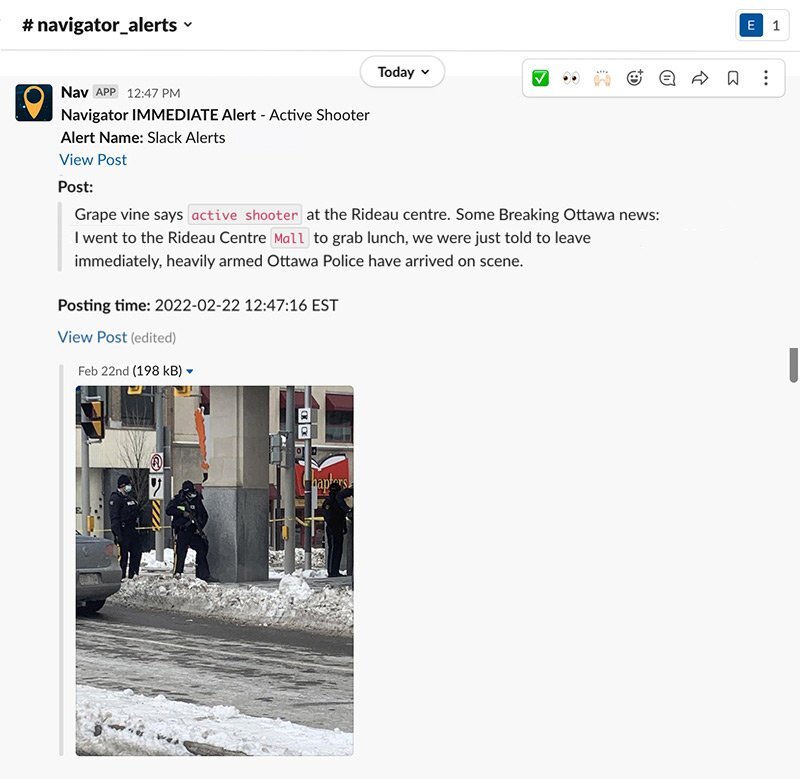
Send immediate alerts from Queries, Followings, and Global Awareness to your organization’s Slack workspace.

-
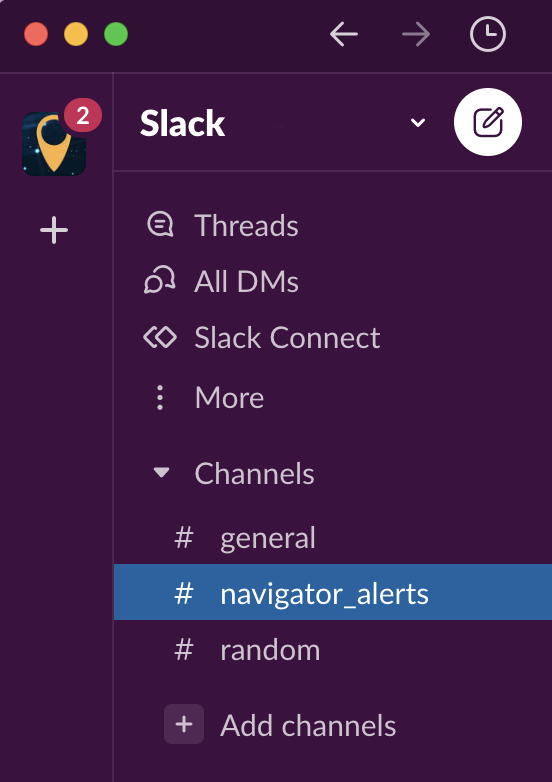
Dedicated Channel: Notifications sent directly to a public team channel or individual users.
-
News Alerts: Be instantly notified in Slack from trusted news sources when events impact your operations.
-
Intelligence Updates: Receive real-time updates on accounts of interest, security events, or investigation updates.
-
Share messages: Share important updates with colleagues and other members of your Slack workspace.
Initial Setup of Liferaft App to Slack
This is the initial setup of the Liferaft app for Slack that must be performed by one person who is an administrator of the Slack environment and also has a Liferaft login. If your Slack administrator is not a Liferaft user, please reach out to your Client Success Manager.
*Note: Slack Alerts must now be enabled by your CSM. Please reach out to them directly, or e-mail support@liferaftinc.com with any questions.
- Log in to Liferaft and enter your credentials
- Then install the Liferaft app for Slack here
- Click connect to Slack and give Slack permission to access your workspace.
- You should get a success message.